

Stop Scope Creep: Change Request Templates with Scoped Estimates

A client asks for two more packaging variants after approving the original set. Before anyone starts designing, write down what changed, what it adds to the work, and who can approve the revised price and date. The copyable change request form below gives you a starting point. Paste it into a document or spreadsheet, adapt the fields to your project, and export a PDF if that is how you share a final version.
TL;DR:
- Start with the basic form below. It records the existing agreement, proposed change, impact, and decision in one place.
- Add the IT, software, or client change-order fields only when they help someone assess the request.
- Compare the new work with the approved scope, then revise the hours, direct costs, price, and schedule before asking for a decision.
- Keep the decision and each revision with the project record so the team can work from the same version.
Table of Contents
- Which templates are included and which format to choose
- Step-by-step: filling out a change request form
- Sorting change requests into standard, normal, and emergency categories
- Routing for approval and keeping an auditable change log
- Tailoring templates to your project's size and industry
- Combining templates with scoped estimates to cut scope creep
- An alternative for teams juggling frequent change requests
- Sources
- FAQ
Which templates are included and which format to choose
The basic change request template is a set of fields you can copy and fill in. It works for a brand project, video edit, event build, or other client job. Keep the original brief or agreement beside it so the impact is measured against a real baseline.
BASIC CHANGE REQUEST
Request ID: [                    ]    Version: [                    ]
Requester: [                     ]    Date: [                       ]
Project and current approved baseline: [                              ]
Proposed change: [                                                     ]
Reason for the change: [                                               ]
Deliverables or tasks added: [                                         ]
Deliverables or tasks removed or revised: [                            ]
Assumptions and client inputs: [                                        ]
Estimated work by role and hours: [                                    ]
Direct costs or expenses: [                                            ]
Revised price or price difference: [                                   ]
Schedule impact and proposed dates: [                                  ]
Risks and dependencies: [                                              ]
Decision owner: [                                                      ]
Decision (approve / reject / revise / defer): [                        ]
Decision date and record location: [                                   ]
For an IT change request template, copy the basic form and add the fields below. They make a live service change easier to assess and recover if it fails.
IT CHANGE ADD-ON
Service or system affected: [                                           ]
Environment and planned change window: [                               ]
Service impact and affected users: [                                    ]
Implementation and verification steps: [                               ]
Rollback plan and rollback owner: [                                     ]
Change authority under the team's IT process: [                        ]
For a software change request template, add enough detail for development and QA to understand what will change. A client-facing summary can remain short; the technical detail can sit in the same record or an attachment.
SOFTWARE CHANGE ADD-ON
Affected feature, module, or integration: [                             ]
Acceptance criteria: [                                                 ]
Testing needed and test owner: [                                        ]
Release dependency and release notes: [                                ]
For a client change order template, make the commercial difference clear before work begins. Use the approval method required by the existing agreement, and have appropriate professional review when the change alters contractual terms.
CLIENT CHANGE ORDER ADD-ON
Original scope or agreement reference: [                               ]
New deliverables and exclusions: [                                     ]
Added fee, expenses, and payment terms proposed: [                     ]
Revised delivery and review dates proposed: [                          ]
Client decision owner and signature, if required: [                    ]
Decision date: [                                                       ]
Word or a shared document works when people need to comment on the wording. A spreadsheet is useful when role hours and costs need calculations. Exporting a reviewed version as a PDF gives everyone a stable copy to discuss; approval still depends on the process you agreed to use. Name each saved version consistently, such as CR-2026-014-clientname-v2, so the decision points to the right request.
Step-by-step: filling out a change request form
Each field should help a reviewer answer one question: what changes from the current plan, and what decision is needed? Start with the existing baseline rather than treating the request as a fresh brief.
- Title and ID: Give the request a short, unique name, such as
CR-2026-014: Add two packaging variants. Use the same ID in the estimate and decision record. - Requester and date: Record who asked and when. This helps distinguish a client request from an internal suggestion.
- Change summary and reason: State the proposed work in one or two sentences, then say why it is wanted. Keep the proposed work separate from its justification.
- Scope impact: Name the deliverables and tasks added, removed, or altered. For packaging work, note the SKU count, artwork adaptations, proofs, and printer handoff affected.
- Schedule and resource impact: Show which phases or review dates move and whose hours are needed. Include any client inputs that the new date depends on.
- Cost and revised price: Estimate labor by role and hours, then add relevant external costs and expenses. Show the proposed price difference so the decision owner can compare it with the approved quote.
- Risk and attachments: Record the practical risks and dependencies. A revised dieline, print specification, or supplier quote may belong with the request.
- Decision and version: Name the person who can decide, record approve, reject, revise, or defer, and date the decision. Save the version they reviewed.
Compare "client wants more packaging" with "add two 250 ml SKU artwork variants to the approved four, including one new proof round and revised printer files." The second description lets a producer estimate specific design and production tasks. A short impact table covering scope, schedule, cost, resources, quality, and risk can make the tradeoffs easier to see beside the form.
Sorting change requests into standard, normal, and emergency categories
In IT service change enablement, ITIL uses standard, normal, and emergency categories. They describe how an organization assesses and authorizes changes to IT products and services. InvGate's explanation of IT service change categories offers a secondary overview.
- Standard changes are low risk, repeatable, and pre-authorized under a defined procedure. A routine service task with known steps may fit here.
- Normal changes need assessment and authorization according to the organization's change process. The assessment should match the change's risk and impact.
- Emergency changes need prompt assessment and authorization because waiting would create unacceptable service impact. The organization's emergency procedure sets the decision authority.
For a creative client project, the useful question is usually simpler: does the request fall within the approved brief and revision allowance, and who can authorize a change to the fee or delivery date? Use the contract and project decision owners for that answer. The ITIL labels can be useful for an IT service team, but they need not be the default categories for a design studio.
Pro Tip: If your IT team has pre-authorized standard changes, list those specific procedures beside the form. Requesters should not have to invent a category.
Routing for approval and keeping an auditable change log
A request needs a clear path from proposal to decision. Keep the form and change log in the tools your team already uses, with a link or file reference to the version considered.
- Intake: Give the request an ID and note the current approved plan. Record the requester's wording before the team rewrites it into tasks.
- Impact analysis: Check the added work against scope, timing, cost, and risk. A risk register can hold material risks that need an owner and response.
- Review: Ask the people who will deliver or fund the change to check the assumptions. A supplier quote or technical test may be needed before anyone can price it.
- Decision: The designated owner approves, rejects, defers, or asks for a revision. Record the decision in the agreed channel, whether that is an email thread, a signed change order, or the team's existing project system.
- Plan update: After approval, update the work plan, estimate, and dates. Tell the people doing the work which version governs it.
- Follow-through: Check that the approved work was delivered and record any further change as a new request or revision.
Save earlier versions instead of overwriting them. A small log can list the ID, version, requested change, impact summary, decision owner, decision date, and where the decision was recorded. That gives the team a practical history to consult when the scope is questioned later.

Tailoring templates to your project's size and industry
The form should be proportionate to the decision. A freelance motion designer adding one cutdown may need the new deliverable, edit hours, fee, and revised review date. An event studio changing an installation may also need supplier lead times, venue access, and on-site responsibilities.
- Add fields when a real dependency needs a decision: a vendor quote, customer communication owner, or required review by a specialist.
- Remove fields that do not affect the decision. A small internal request may need one approver and no formal risk score.
- Clarify authority when several stakeholders comment. Identify who can approve the new scope and price under the existing arrangement.
Before adopting a customized form, try it on a few real requests. If someone outside the drafting group cannot understand the baseline, impact, and decision from the completed record, the form needs clearer prompts.
Pro Tip: Put instructions beside the fields people regularly skip, especially the difference between the requested change and the reason for it.
Combining templates with scoped estimates to cut scope creep
The form records the request; the estimate turns its consequences into work and a proposed price. For a new deliverable, break the change into tasks, assign the roles and hours, include direct costs, and show what happens to the schedule. This creates a concrete boundary for the next decision. A scoped estimate is especially useful when one short client sentence hides several rounds of design, production, QA, or handoff work.
For the packaging example, the two extra variants may require artwork adaptation, proof review, and printer-ready files. Price those pieces against the approved four-SKU baseline, then give the client the revised quote and date to consider. If the details change again, revise the request and estimate together.
-- Nicolas Robertson
An alternative for teams juggling frequent change requests
When changes keep arriving, a reusable form and a reviewed estimate make each decision easier to locate. The record stays in your chosen project process; the work and quote can be drafted from the change details.
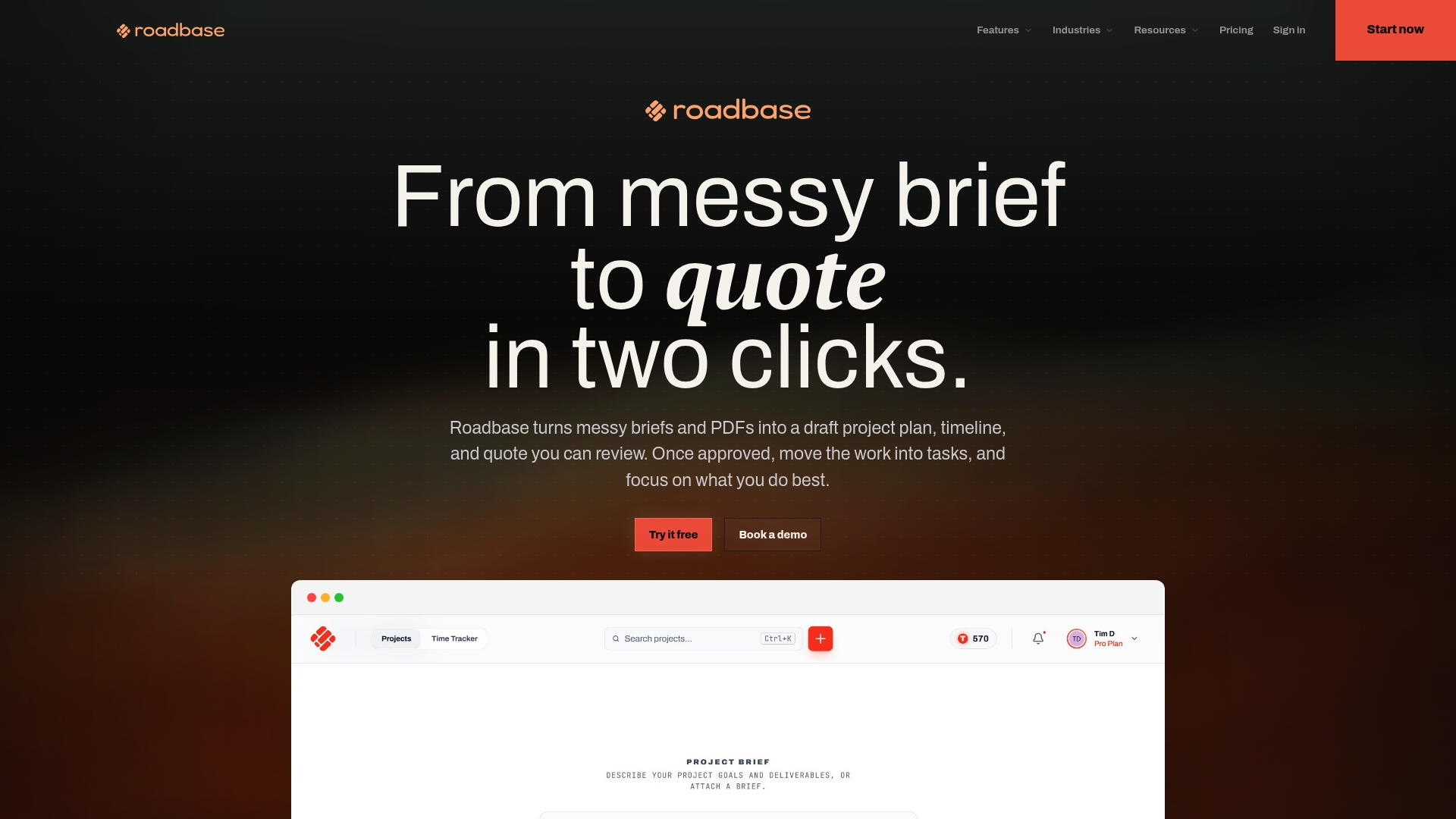
Have a real change to price? Paste the request details into Roadbase as brief text, or attach a PDF brief. Roadbase builds an editable first draft of phases, tasks, roles, hours, and timing. Review and adjust the work, then check the hours, role rates, direct costs, contingency, and target margin behind the revised quote. Export the reviewed plan and quote as a proposal PDF for your client to consider. See Roadbase's pricing page for current plan details, or explore Roadbase.
Sources
The Association for Project Management's change-control guidance informs the record, impact review, decision, and plan-update steps. Its Body of Knowledge covers scope, time, cost, resources, quality, and risk as impact dimensions. PeopleCert's ITIL 4 change enablement guidance informs the IT service-change categories above. For related planning detail, Roadbase covers milestone tracking and agency estimating. Babylovegrowth has related reading on content-production workflow.
FAQ
How do I write a change request?
Start with what is changing from the approved plan, then explain why. List the added or removed work, the effect on hours, cost, price, and dates, and any assumptions the estimate depends on. Name the decision owner and leave space for their decision and its date.
What is the format of a change request form?
Copy the basic form above into a document or spreadsheet. It includes an ID, requester and date, approved baseline, proposed change, reason, deliverable changes, assumptions, role hours, direct costs, revised price, schedule, risks, and decision. Add the relevant IT, software, or client change-order fields. A PDF can be exported after the wording and figures are reviewed.
What are the main types of change requests?
For IT service changes, ITIL uses standard, normal, and emergency categories. Standard changes follow a low-risk, pre-authorized procedure; normal changes are assessed and authorized under the organization's process; emergency changes use prompt assessment and authorization. A creative project's categories and approval route should follow its own agreement and decision owners.
How do I request a shift change for personal reasons over email?
State the dates or shifts you want to change, give a brief reason, and suggest a workable swap if you have one. Send it with enough notice for your manager to arrange coverage, then wait for confirmation before treating the change as approved.