

6 Project Types That Need a Gantt Chart or Roadmap for Creative Teams
A client may want a launch date while your team needs to know when the printer gets final artwork, when the venue opens for installation, or who reviews the first cut. A Gantt chart and a roadmap can each help, but the useful choice depends on the handoffs and the certainty behind those dates.
A Gantt chart lays scheduled work across time. A roadmap gives people a view of phases, priorities, and direction. Some projects need both views; a small job with few dependencies may need only a short milestone list.
TL;DR:
- Use a detailed schedule when an event date, print handoff, or campaign launch leaves little room for missed dependencies.
- Use a roadmap when a brand rollout or recurring creative program needs shared direction while priorities can still change.
- Use both when a web or app project has evolving work and specific external handoffs. Show date ranges where estimates are uncertain, and update the view when decisions change.
Table of Contents
- Gantt Chart vs Roadmap: How They Really Differ
- When to Use a Gantt Chart or a Roadmap: Real Examples
- Gantt Chart Advantages and Roadmap Benefits, Side by Side
- How to Choose Between a Gantt Chart and a Roadmap
- Building and Maintaining Gantt Charts and Roadmaps
- Turning a Roadmap Into a Reviewable Quote
- Our Rule of Thumb for Planning Artifacts
- Try Roadbase: From Brief to Priced Roadmap
- FAQ
- Sources
Gantt Chart vs Roadmap: How They Really Differ
The distinction is mainly about the question each view answers. A schedule asks, "What work is due when, and what has to happen first?" A roadmap asks, "What are we aiming to deliver, in what order, and how certain is that direction?" APM's Gantt chart guidance describes activities plotted against time, with dates and progress that can be updated as work develops.
- Purpose and audience: A producer may use a Gantt chart to coordinate a delivery team. A client may prefer a roadmap that shows phases and decision points. Either audience can see both if that helps them act.
- Timing: A schedule usually carries task dates or durations. A roadmap may use dates, broader windows, or "now / next / later," depending on what the team can responsibly commit to.
- Detail: A Gantt chart can show the work beneath a milestone. A roadmap usually stays high enough to explain the sequence without asking everyone to read every task.
- Handoffs: Linked tasks can make an agreed dependency visible in a Gantt chart. The bars alone don't prove that the plan includes every dependency or that the dates are feasible.
- Iterative work: A high-level Gantt view can still help a team working in cycles. PMI's Agile Gantt guidance discusses using date ranges where estimates are uncertain. For a broader introduction to the format, see this Gantt chart overview.
The more detailed the schedule, the more care it takes to keep current. A roadmap can be easier to update because it contains fewer promises, though it still needs revision when priorities change.
When to Use a Gantt Chart or a Roadmap: Real Examples
These six project types show how the planning view follows the work, not a rule about which discipline is "strategic" or "operational."
- An event installation or show-day experience: use a Gantt schedule. Fabrication, venue access, transport, installation, rehearsals, and opening time have an order. The producer needs to see which deliverable must be approved before the crew or supplier can act. A short roadmap may help the client see the concept-to-show arc, but the working schedule carries the handoffs.
- Packaging that goes to print: use a Gantt schedule. Artwork approval, legal copy, dieline checks, proofs, and press dates involve different people and a physical production slot. If the proof changes, the team can trace which review and delivery dates need to move. The schedule should leave room for the printer's actual lead time, rather than assuming the artwork handoff ends the job.
- A fixed-date campaign or video launch: use a Gantt schedule. A shoot, edit, client review, captions, versions, and media delivery may all have to land before a booked launch. The useful chart shows the specific approval path and external deadlines. If the concept is still open, label early dates as estimates and commit only when the decisions are made.
- A brand identity rollout: use a roadmap. Discovery, design exploration, identity approval, templates, and rollout can be shown as phases. That helps a client understand when they will make decisions without pretending every design iteration has a fixed duration. Once the rollout includes booked production or launch work, add a more detailed schedule for those handoffs.
- A recurring content or motion program: use a roadmap. The team may know its themes, release cadence, and review rhythm while individual topics or formats change with audience response. A roadmap makes that direction visible. Keep a smaller delivery calendar for the pieces already commissioned and dated.
- A web or app project with creative assets: use both when handoffs justify it. A roadmap can show discovery, design, build, testing, and release intent. A schedule can track the assets, content, reviews, and development work needed for a committed launch. Use the detailed view for real dependencies, such as approved copy before final page assembly, and revisit it when the brief changes.
If the job is a single deliverable with one reviewer and a flexible date, a milestone list may be easier for everyone than either chart.
Gantt Chart Advantages and Roadmap Benefits, Side by Side
Each view earns its place when it helps someone make a decision.
- Gantt chart advantage: It can show scheduled tasks and agreed handoffs together, which helps a team notice a crowded review week or a supplier deadline that sits before creative approval.
- Gantt chart drawback: An exact-looking bar can make an early estimate appear settled. Maintaining many task dates also takes time when the work changes.
- Roadmap benefit: It gives clients and collaborators a shared sense of phases and priorities without requiring them to follow every production task.
- Roadmap drawback: It may be too broad for a producer who needs to book people, secure files, and confirm a delivery date.
Use the date precision the work supports. A client may need a firm opening date and a directional design phase in the same document. Label which dates are commitments, which are estimates, and what decision will firm them up.
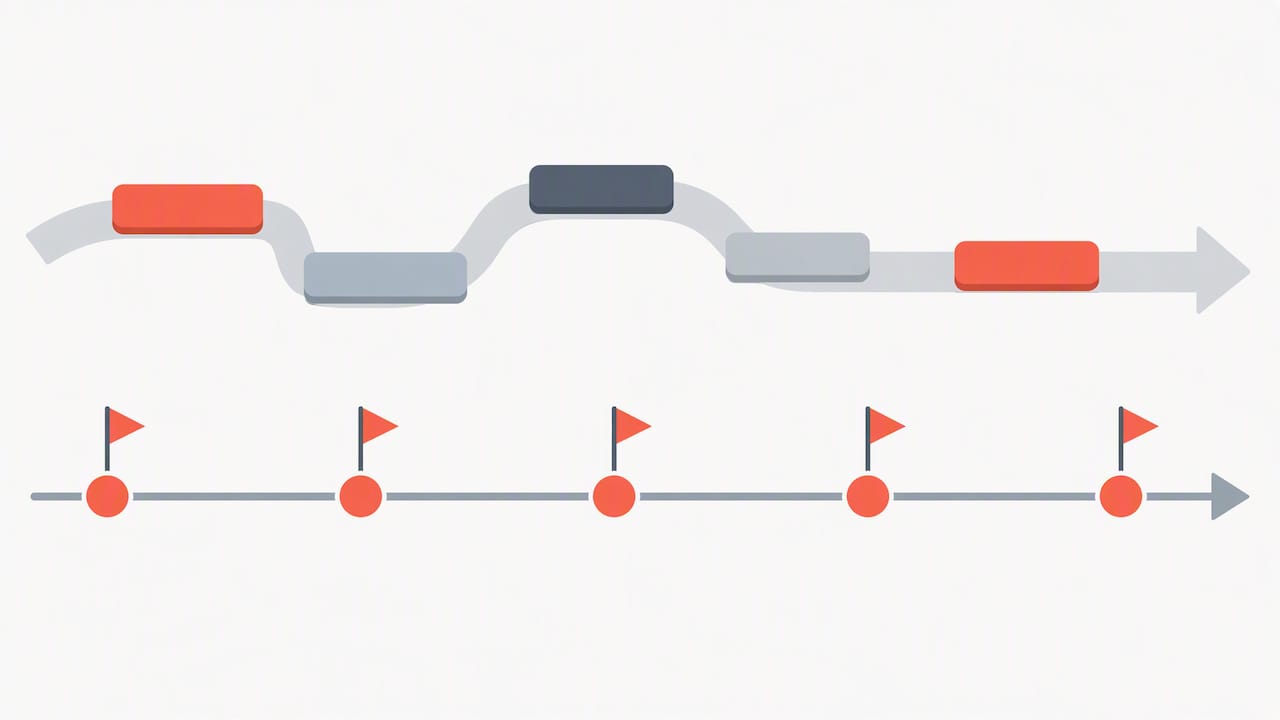
How to Choose Between a Gantt Chart and a Roadmap
Start with the people who will use the plan and the decision in front of them.
- Audience: Who needs phase-level direction, and who must coordinate the next handoff?
- Date confidence: Which dates are booked, and which depend on feedback or unknown work?
- Dependencies: Will one late approval hold up a supplier, launch, or another team?
- Change rate: How often will priorities or the brief shift during the project?
- Upkeep: Who will revise the plan when the work changes?
A studio planning a brand exploration may begin with a roadmap and a few decision dates. An event team with venue access at 7 a.m. needs an operational schedule. A campaign with both an evolving creative direction and a fixed media launch can use a roadmap for the overall story and a schedule for the approved deliverables.
Building and Maintaining Gantt Charts and Roadmaps
The first version should help people spot missing work. It does not have to simulate certainty.
- Break down the work before assigning dates. List the deliverables, review steps, and outside handoffs. A work breakdown can reveal a missing proof, localization pass, or client decision. Mind mapping as a work-breakdown technique is one option, not a required first step.
- Choose detail that serves a decision. A producer may need task dates for print production. A client may need only the approval gates and delivery windows. Remove detail that no one will maintain or use.
- Mark uncertainty honestly. Use ranges or provisional labels for work that depends on feedback. Show a fixed date when it is truly fixed, such as a booked event or media launch.
- Update after decisions, not just on a calendar. A changed brief, delayed approval, or supplier revision can make the old view misleading. Assign someone to revise the affected dates or phases and tell the people whose work moves.
- Let the two views share the same facts. If a roadmap says assets are approved while the working schedule still shows review open, resolve the disagreement before anyone acts on it.
Turning a Roadmap Into a Reviewable Quote
A roadmap can clarify phases, but a quote needs the work beneath them. Before pricing, turn each phase into deliverables and tasks, check who will do them, estimate hours, and account for reviews and outside costs. That work can reveal assumptions the client should see before approving a proposal.
Roadbase can start with pasted brief text or an attached PDF and generate an editable first draft of phases, tasks, roles, hours, and timing. You can review the visual timeline, adjust the work, and price estimated hours using your configured roles and rates. Review labor, overhead, direct costs, contingency, and target margin before exporting the plan and quote as a proposal PDF. Those are decisions to check against the brief, not figures to accept on sight.
For related reading, our comparison of Roadbase against Gantt-centric workflows discusses different planning needs, and our templates for milestones and deliverables can help you define the work before scheduling it.
Our Rule of Thumb for Planning Artifacts
Show the level of detail that lets the reader act. A roadmap is useful for discussing direction and approval points. A Gantt chart is useful when task timing and handoffs matter. When both are needed, keep their milestones and assumptions consistent, and make clear which dates are committed. If neither adds clarity to a small job, write the milestones down and move on.
Try Roadbase: From Brief to Priced Roadmap
Have a real brief, notes, or PDF on your desk? Start an editable plan and quote in Roadbase, then review the phases, roles, hours, timing, and costs with your team. Adjust what the draft missed, and export a proposal PDF when the plan is ready for your client.
You can check current plans before starting. If you want examples closer to your work, see the creative freelancer page or the software consultant page. You can also explore Roadbase first.
FAQ
Is a Gantt chart the same as a roadmap?
No. A Gantt chart usually shows scheduled tasks and timing in more detail; a roadmap shows phases, priorities, and direction. Their detail can overlap, and a project may use both.
Is a Gantt chart outdated?
No. It can still help teams see dates and handoffs, including in Agile or hybrid work when a high-level view is useful. The right level of detail depends on what the team needs to coordinate.
What are the disadvantages of using a Gantt chart?
It takes work to keep task dates current, and precise-looking bars can give uncertain estimates too much authority. Use date ranges where appropriate and update the chart when decisions or dependencies change.
Can ChatGPT create Gantt charts?
ChatGPT can help draft candidate tasks, durations, and sequencing from a brief. A person still needs to check the work, dates, and dependencies before using that output as a schedule. The final chart can be made in a tool that suits the team's planning process.
Recommended
- GanttPRO Alternatives: Best Picks for Creative Teams
- One Sitting Proposals for Creatives: Best Project Roadmap Tools
- TeamGantt Alternatives for Creative Agencies
- Roadbase vs Trello for Creative Project Workflows
Sources
- Association for Project Management: how a Gantt chart displays scheduled activities over time.
- PMI Disciplined Agile: how a high-level Gantt view can work with iterative projects and uncertain dates.
- PMI work-breakdown resource: one way to identify tasks before setting a schedule.
- Forbes: a general introduction to the Gantt chart format.