

Proposal Writing With AI: A Workflow That Actually Works
AI can help produce a proposal draft, but it cannot establish whether the details are true, complete, confidential, or right for the client. Start with the brief, the notes you are allowed to use, and the specific section you need to draft. Then check the output against approved facts and revise it in your own voice before it reaches a client.
For another overview of AI proposal writing, see Loopio's guide.
- Give the draft relevant, approved context.
- Ask for clarification when the brief leaves a decision open.
- Review factual statements, numbers, credentials, and client-specific language before delivery.
Key Takeaways
| Point | Details |
|---|---|
| Start with approved inputs | Use the current brief and relevant notes you are permitted to share. |
| Clarify material gaps | Resolve missing decisions before relying on a draft. |
| Draft in manageable sections | Give the model the relevant context and the section to work on. |
| Review before delivery | Check facts, client-specific details, and voice before sending. |
| Use Roadbase for the plan and quote | Roadbase can turn a pasted brief or attached PDF into an editable first draft of the work breakdown for review. |
Table of Contents
- Building a Strategy-First Framework for AI Proposal Writing
- How Do You Turn an RFP Into a Draft Using AI?
- What Should Your Prompts Actually Say?
- Guardrails That Keep AI-Generated Proposals Honest
- Which Type of AI Proposal Tool Do You Actually Need?
- How Roadbase Puts This Workflow Into Practice
- Why the Two-Pass Rule Beats Every Prompt Trick
- Try the Same Workflow Without Building It Yourself
- Sources
- FAQ
Building a Strategy-First Framework for AI Proposal Writing
Before drafting, gather the current brief, approved examples you are allowed to use, and any house style or terminology the proposal must follow. Use these as reference material, not as proof that an AI draft is accurate.
If you are comparing your process with agency-focused reading, this article on AI and agency productivity is one place to start.
Three kinds of material a team may prepare are:
- A standard proposal structure, including sections, order, and typical length.
- Approved examples that show the kind of work and language the team can stand behind.
- A short voice guide with preferred terminology, formality level, and phrases to avoid.
Reserve human review for factual claims, client-specific commitments, and any legal, regulated, or otherwise sensitive language.
How Do You Turn an RFP Into a Draft Using AI?
Use the brief as a starting point, then keep unresolved decisions visible while the proposal takes shape.
Step 0: Prepare the material you may use. Separate approved project facts from gaps that need an answer, and do not put confidential material into a public AI service unless its handling is approved.

Step 1: Clarify material gaps. Ask questions about missing requirements, timing, decision-makers, or deliverables before treating a draft as complete.
Step 2: Draft one section at a time. Provide the relevant context, the requested section, and the desired format; mark unresolved details for human follow-up.
Step 3: Review the draft. Check facts and client-specific commitments, then edit the voice and structure.
Step 4: Finish the executive summary and pricing after the scope and supporting sections have been reviewed.
What Should Your Prompts Actually Say?
A useful request names the relevant context, the section to draft, the intended format, and the tone. The examples below are starting points; check every output against the brief and your approved records.
A request can name a role, context, task, format, and tone. Keep the context limited to material you may use, and keep unresolved details open for review.
A few working examples:
For another example prompt framework, see OpenAsset's proposal-writing guide.
- Executive summary: "Role: proposal writer for a design agency. Context: [paste RFP summary]. Task: write a 150-word executive summary leading with the client's business outcome, not our services. Format: two short paragraphs. Tone: direct, confident."
- Scope of work: "Task: outline five deliverables based on [notes], each with a one-sentence justification tied to the client's stated goal."
- Pricing justification: "Task: write 100 words explaining why the mid-tier package fits this client's scope better than the entry tier, referencing the timeline constraint from the RFP."
- Timeline: "Task: convert this task list into a six-week phased timeline with dependencies noted."
- Key personnel bios: "Task: write a 60-word bio for [name] emphasizing experience relevant to [project type]. Flag any unverified credential for review."
Guardrails That Keep AI-Generated Proposals Honest
A review can reduce the chance that an AI draft carries an invented, stale, or client-specific detail into a proposal. Check claims about prior work, names, metrics, certifications, dates, pricing, and commitments against records your team controls. Treat confidential client information carefully: avoid entering it into an AI model unless its use is approved under your organization's data-handling rules.
For a separate example of AI proposal-generator framing, see DeepRFP's overview.

The fact review checks claims against the records that support them. The voice edit strips cliche phrasing, tightens sentences, and makes sure the executive summary leads with the client's outcome instead of a list of your features.
Which Type of AI Proposal Tool Do You Actually Need?
Choose a tool based on the work in front of you. A short pitch, a complex formal response, and a priced services proposal create different drafting and review needs. Before adopting a tool, check what information it may receive, what records you can verify, how the team will review output, and whether its format fits the proposal you need to send.
Before picking one, check for:
- Approved input handling.
- A review process for generated claims.
- A format that suits the proposal.
- A way to keep the price and work breakdown visible to the team.
When comparing options, a current AutoRFP proposal-software overview is one additional product page to review alongside your own workflow.
How Roadbase Puts This Workflow Into Practice
| Point | Details |
|---|---|
| Roadbase's role | Roadbase is for the planning and pricing part of a proposal workflow. |
Roadbase is for the planning and pricing part of a proposal workflow. Paste a brief or attach a PDF, then generate an editable first draft with phases, tasks or milestones, roles, estimated hours, timing, and estimate reasoning. Review and adjust the work breakdown. Add and review the labor, overhead, direct costs, contingency, expenses, and target margin behind the quote, then export the reviewed plan and quote as a proposal PDF.
For related reading on proposal software for agencies and freelancers, keep the same review standard when comparing options.
Why the Two-Pass Rule Beats Every Prompt Trick
AI can produce a draft. The team checks facts and edits the voice before delivery. That review keeps client-specific details and the final wording in human hands.
-- Nicolas Robertson
Try the Same Workflow Without Building It Yourself
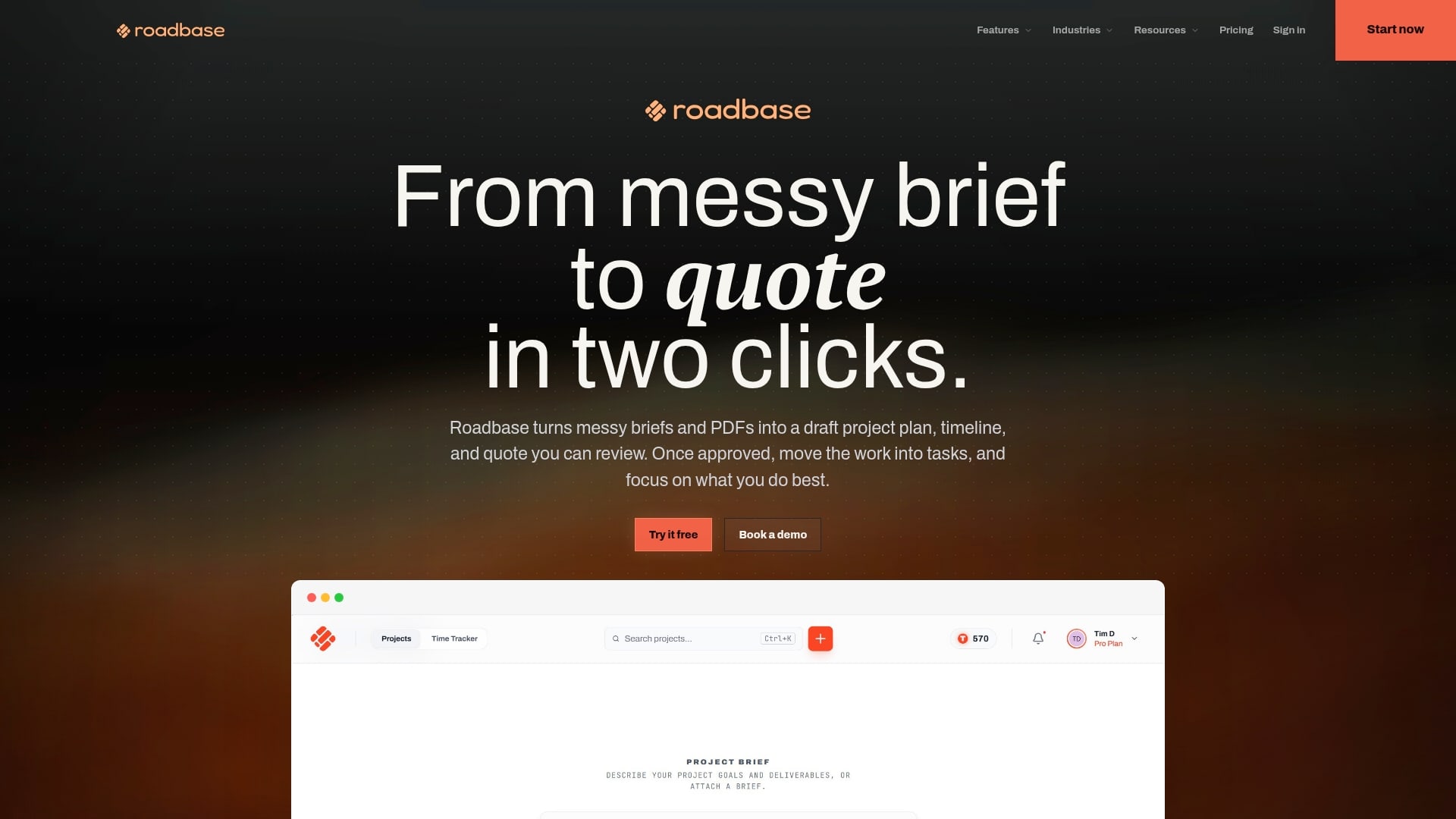
If you have a real brief, notes, or PDF, bring it into Roadbase to generate an editable first draft of the project plan and quote. Review and adjust the phases, tasks, roles, hours, and costs before exporting a proposal PDF.
For pricing-specific work, building pricing tables can help keep the calculation discussion visible before review.
Sources
- How to Prompt AI for Proposal Writing (With Examples) - OpenAsset
- How to Use AI for Proposal Writing: A Strategic Framework | Loopio
- AutoRFP: AI Proposal Software
FAQ
Which AI tool is best for proposals?
Choose based on the proposal type, the information you can safely use, and the review the work requires.
What are the three C's of proposal writing?
There is no single universal formula. Aim for a proposal that is clear about the client's problem, the proposed work, and the assumptions the client needs to review.
What is the best free proposal app?
If you have a real brief, notes, or PDF, bring it into Roadbase to generate an editable first draft of the project plan and quote. Review and adjust the phases, tasks, roles, hours, and costs before exporting a proposal PDF.
Is there a free AI grant proposal generator available?
Treat AI as a draft aid and check the funder's current instructions, factual support, and compliance requirements before submission.