

Scope of Work Template for Graphic Design Projects: A Practical Guide
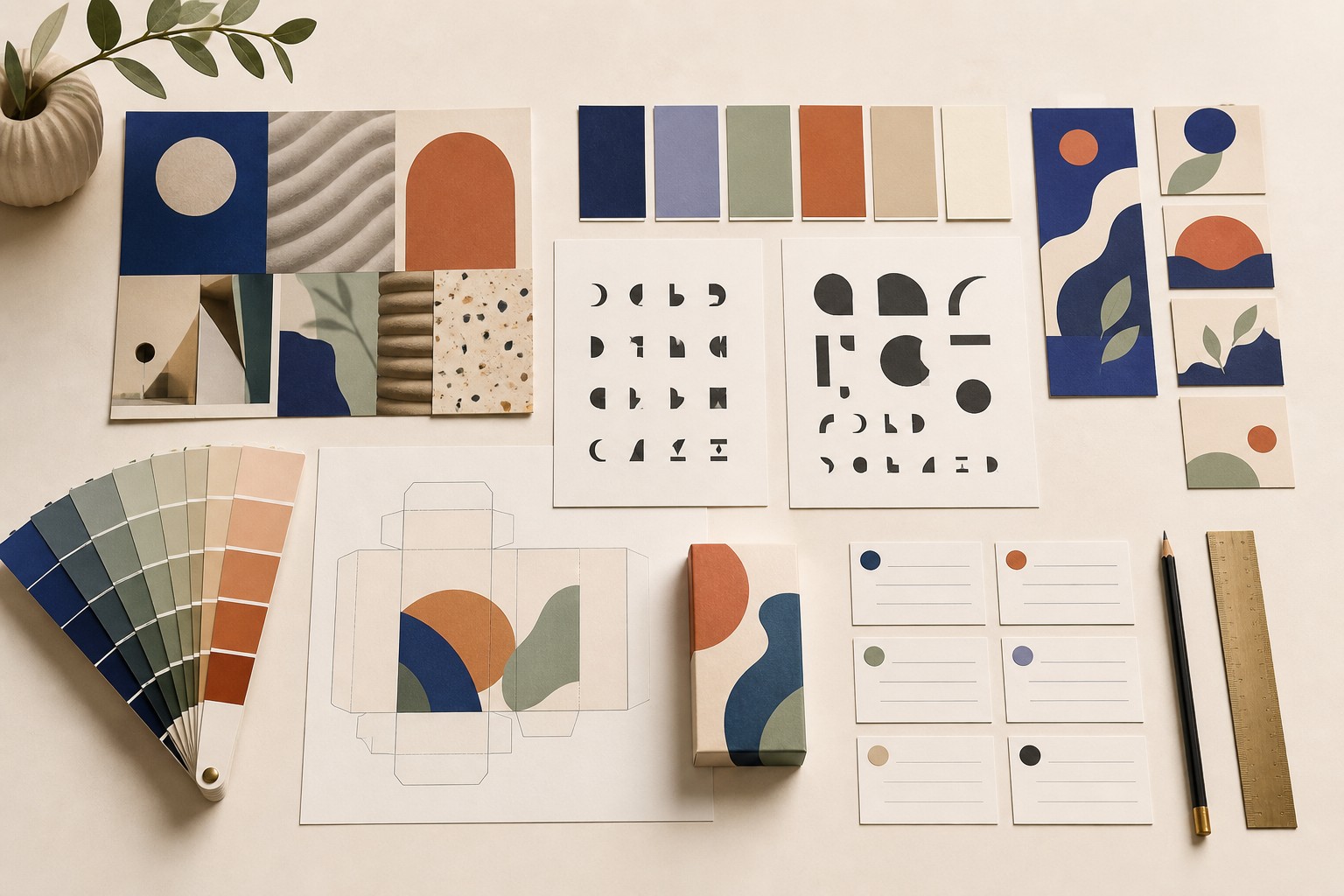
A graphic-design brief can sound complete while leaving the hard production questions unanswered. "Refresh the brand," "make the packaging feel premium," or "create campaign assets" may point everyone in roughly the same direction, but they do not yet identify the files, variants, source inputs, review points, or specialist work required to make the project real.
The useful starting point is an output inventory: a plain description of what will be designed, what the designer needs to begin, and what needs checking before each part moves forward. It keeps the conversation close to the actual work instead of a generic form.
Key Takeaways
| Point | What it means for a graphic-design project |
|---|---|
| Name the outputs | List the identity elements, packaging formats, campaign assets, or production files rather than relying on a broad project label. |
| Record the production inputs | Note what already exists: brand strategy, copy, dielines, product photography, approved claims, print specifications, or source artwork. |
| Make review points visible | Show where concept routes, copy, production artwork, proofs, and handover materials need review. |
| Separate roles and hours | Strategy, design, artwork, copy, retouching, and specialist production support are different kinds of work. |
| Keep the plan editable | A plan should be revised when the available inputs, number of formats, or production requirements change. |
Table of Contents
- Graphic-design scope: what the phrase is useful for
- The information a graphic-design project needs
- How to build the working plan
- Choose the right level of detail for the design work
- Two graphic-design examples
- How to set useful review criteria
- When new work appears during production
- Common planning mistakes for graphic designers
- Why a repeatable output inventory helps
- An editorial note on detail and momentum
- Turning the inventory into a project plan and quote
- Sources
- FAQ
The sections work best as a sequence: define the information the project needs, build a working plan, choose the right level of detail, and use the examples to test whether the language describes actual design work.
Graphic-design scope: what the phrase is useful for
For a graphic designer, scope is most useful when it names the outputs and the conditions around them. A brand identity project might include an audit of existing materials, several concept routes, one selected direction, a logo family, a type and color system, social-profile assets, and a short handover guide. A packaging project might include a system concept, a defined number of SKUs, production artwork, and printer-ready files after the required inputs are available.
That does not turn the planning document into a universal answer for every business question. It gives the creative team a shared working description of the design work. A Canva overview of scope-of-work terminology is a useful broad reference, while this guide narrows the discussion to graphic-design production.
PMI guidance on project scope emphasizes identifying the work and controlling changes to it over time. For graphic-design teams, the useful translation is simple: make the deliverables, dependencies, roles, and review points visible before estimating the work. PMI's scope guidance supports that discipline. A working plan can likewise identify deliverables, dependencies, responsibilities, quality characteristics, and activities.
If you need a broader definition of the term, that reference can provide it. The aim here is not to create a general-purpose document. It is to make a graphic-design brief concrete enough to plan.
The information a graphic-design project needs
The best design inventories are specific without pretending that every decision is known at the start. They distinguish between confirmed outputs and inputs still needed from the client, printer, photographer, copywriter, or internal team.
A practical structure includes:
- Project context: What is changing, and why now? For example, a food brand may need a shelf-ready identity refresh before launching a new range.
- Design outputs: Name the actual materials: logo variants, color and type specifications, packaging fronts and backs, retail signage, launch assets, or production-artwork files.
- Formats and variants: Record the number of pack sizes, language versions, campaign placements, and social or print adaptations.
- Inputs and dependencies: Note what must arrive before a phase can progress, such as approved copy, barcodes, legal copy supplied by the client, photography, product dimensions, or printer specifications.
- Roles: Separate creative direction, design, artwork, copy, retouching, illustration, and production support where they are distinct.
- Review points: Show when concept routes, selected direction, proofs, and final production artwork need review.
- Working assumptions: State practical assumptions such as "existing photography is supplied in usable resolution" or "one product range shares the same visual system."
- Plan updates: If input quality, SKU count, or requested formats change, update the work breakdown and estimate rather than leaving the original version untouched.
A ProjectManager guide to writing scope also recommends breaking work into manageable parts. In design, that usually means describing the creative and production stages rather than using one line for "design."
How to build the working plan
Start with the outputs. That order matters because it prevents a project from being priced as a vague category of work.
- Read the brief for concrete signals. Look for the product range, audience, launch context, required formats, supplied materials, review participants, and any production deadline.
- List the visible outputs. A packaging launch may need a core visual system, front and back panels, nutrition or ingredient copy supplied by the client, variants for several pack sizes, and prepress-ready artwork.
- List the work needed to make those outputs. This may include discovery, concept development, selected-route refinement, artwork adaptation, proof review, and handover.
- Record dependencies beside the relevant task. If the copy is not approved, a designer can still explore hierarchy and layout, but final artwork should not be estimated as though the content were settled.
- Assign roles and estimated hours. A design director reviewing a concept route, a designer developing assets, and an artworker preparing production files should not be collapsed into one generic line.
- Place the stages on a visual timeline. Dates are useful when they follow the work and its dependencies, rather than replacing them.
- Review the plan with the people closest to production. A printer, illustrator, photographer, or internal brand lead may expose a missing format or input before it becomes a late surprise.
- Adjust before pricing. The purpose of the plan is to make the estimate reviewable, not to make an early assumption look permanent.
For another way to break creative work into phases and tasks, see Roadbase's guide to a creative project work breakdown structure. Its companion guide to milestones and deliverables is useful when turning the stages into a working sequence.
Choose the right level of detail for the design work
Different graphic-design jobs need different inventories. A one-off event poster does not need the same planning depth as a multi-SKU packaging rollout.
| Design project | Details worth naming | Inputs to check |
|---|---|---|
| Brand identity | Concept routes, selected direction, logo family, type and color system, handover assets | Existing brand research, audience insight, decision-makers, competitor references |
| Packaging design | Product range, SKU count, pack formats, production artwork, proofs | Dielines, dimensions, copy, mandatory product information, printer specifications |
| Campaign assets | Key visual, channel formats, version count, image treatments, final delivery set | Campaign message, media plan, photography or illustration, approved copy |
| Editorial design | Publication format, page count, grid, image treatment, artwork, final files | Copy, image permissions, editorial hierarchy, production schedule |
| Production artwork | Format adaptations, versioning, preflight, proof annotations, handover | Approved master design, current copy, linked assets, output specifications |
This is where a generic list becomes less helpful than a focused plan. If the design work involves a related specialist discipline, Roadbase has an adjacent planning reference, but the examples in this article stay with graphic design.
The examples below show how the same structure changes between brand identity and packaging work.
Two graphic-design examples
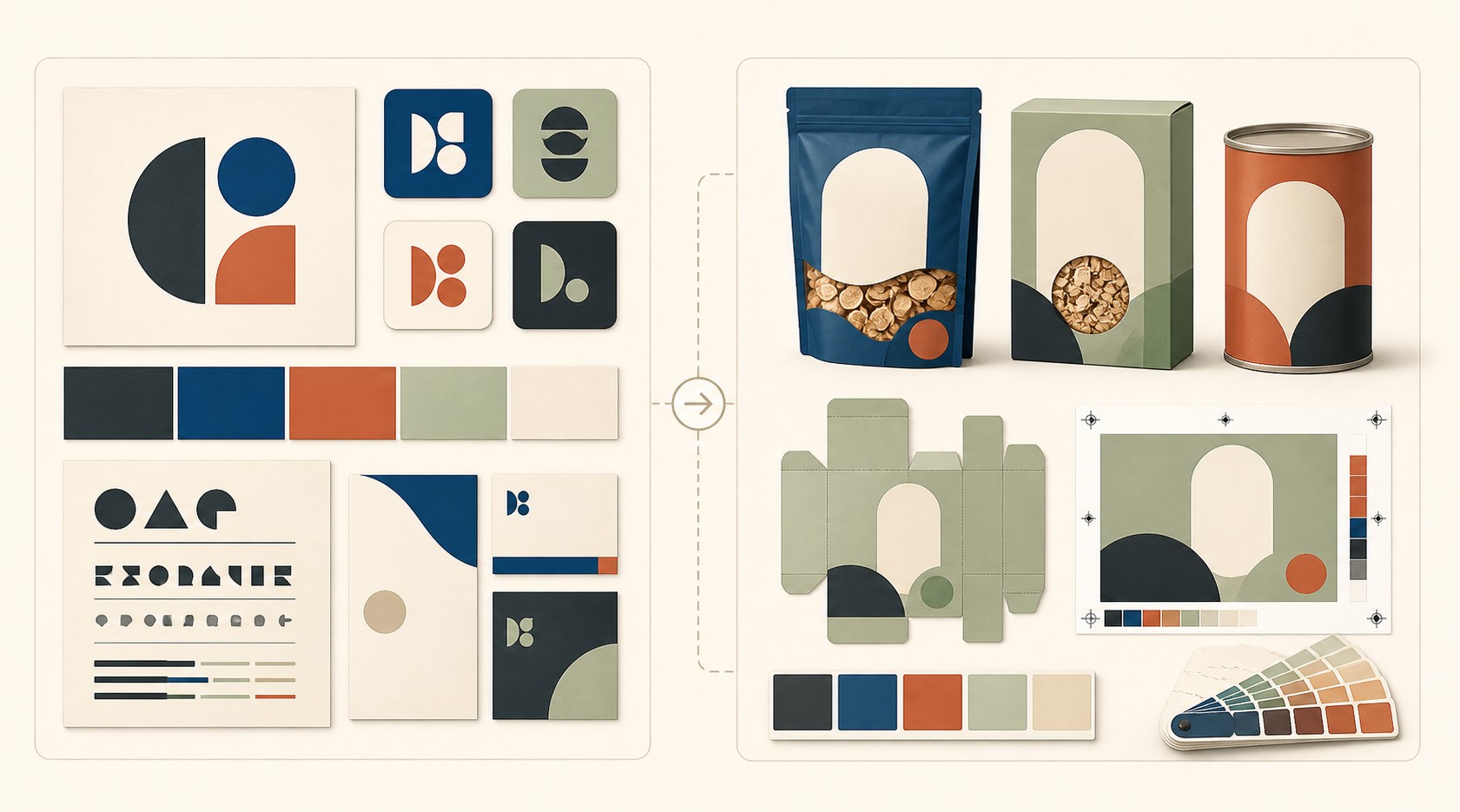
These are planning examples, not clauses to paste unchanged. Replace the quantities, formats, dependencies, and production details with the reality of the project.
Brand identity example
- Outputs: Brand audit summary; three visual concept routes; one selected identity direction; primary and secondary logo variants; color and type system; social-profile assets; concise brand-use guide.
- Inputs: Existing customer research, current brand materials, audience description, stakeholder list, and any retained visual elements.
- Working stages: Discovery, concept routes, selected-direction refinement, system development, asset preparation, handover.
- Review points: Direction selection before the full system is developed; review of the final identity system before handover.
- Assumption to test: The client can consolidate feedback from the identified decision-makers at each review point.
Packaging example
- Outputs: Core package visual system; artwork for two product sizes and three flavors; production files prepared from supplied dielines; a proof-review checklist; final handover folder.
- Inputs: Current dielines, product names, approved copy, barcode files, mandatory product information supplied by the client, pack dimensions, and printer requirements.
- Working stages: Product and shelf review, system concept, selected-route development, SKU rollout, production artwork, proof review, handover.
- Review points: System approval before all SKU adaptations; review of production proofs with the current copy and dielines.
- Assumption to test: The supplied dielines and copy are current before production artwork begins.
These graphic-design examples should prompt useful questions, not hide unanswered ones. For an additional view of how milestones connect to named outputs, Roadbase's milestones and deliverables guide is a helpful companion.
How to set useful review criteria
Design review criteria should describe what gets checked, by whom, and against which supplied input. They should not reduce a visual decision to a false pass-or-fail formula.
For example:
| Output | Useful review criterion |
|---|---|
| Brand identity system | The selected logo variants, type, color, and layout rules are shown in the agreed brand-use materials. |
| Packaging artwork | Each named SKU uses the supplied current dieline, approved copy, and required product information. |
| Campaign asset set | The agreed format list is present, and each version uses the approved campaign message and selected visual direction. |
| Production files | Files are prepared against the agreed output specification and reviewed against the supplied proof. |
This approach gives the creative team something better than "make it feel finished": a review conversation tied to the work.
For a broader discussion of scope-writing structure, ProjectManager's guide is useful background. The review-criteria section should remain focused on the design outputs and production inputs at hand.
When new work appears during production
A client may ask for extra formats after the campaign route is selected, add a product size once packaging artwork is underway, or request an illustration that was not part of the original identity work. The useful response is to make the new output visible and update the plan around it.
A simple working update can record:
- The requested output or variant.
- The source material needed before the work can begin.
- The affected design and production tasks.
- The roles and estimated hours involved.
- The effect on the current timeline.
- The review point needed before the new work moves into production artwork.

The value is not in creating bureaucracy. It is in keeping the working plan honest when the output list changes. Roadbase's article on keeping a creative brief current offers related context for creative teams.
Common planning mistakes for graphic designers
The common problems are usually omissions, not bad intent.
- One line for an entire identity project: Replace "brand refresh" with the named outputs and stages.
- No SKU or format count: State how many packaging variants, campaign sizes, or artwork adaptations are included in the current plan.
- Production work hidden inside design time: Separate production artwork, preflight, proof review, and specialist support where they require real effort.
- Dependencies left in email threads: Put supplied copy, dielines, photography, approvals, and output specifications beside the stage that needs them.
- Feedback without a route: Identify who consolidates review comments and when the team needs direction selection or proof feedback.
- An old plan treated as current: Update it when the number of formats, products, or production requirements changes.
The common planning mistakes section is worth revisiting before the estimate is finalized. A Canva explainer can also help teams align on the basic vocabulary before they tailor it to a design project.
Why a repeatable output inventory helps
Repeated work benefits from a reusable starting structure, provided it still gets adjusted to the specific brief. A small studio that regularly delivers packaging launches can begin with familiar phases: intake, system concept, SKU rollout, production artwork, and proof review. That saves time because the team is starting with questions it already knows to ask, not because the answers are identical every time.
PMI's discussion of repeatable scope-management practices supports the broader point: consistency comes from making the work visible and revisiting it as conditions change, not from treating a first draft as permanent.
Roadbase's guide to turning a creative brief into a scope of work and quote shows how a creative brief can become a reviewable work breakdown. Another Roadbase guide to milestones and deliverables can help when the output inventory needs a clearer sequence.
An editorial note on detail and momentum
There is a real balance to strike. A plan that is too thin leaves production questions floating. A plan that tries to decide every visual and production detail before discovery can become slow and brittle.
The practical answer is to distinguish what is known from what will be developed. Name the confirmed outputs, identify the inputs and decisions still required, and place clear review points in the work. That gives a client or internal team a useful picture of the project without pretending the creative process has no unknowns.
For a broader comparison of planning tools, see Roadbase's planning-tools reference. For a general discussion of terminology, Adobe's scope-of-work overview can be read alongside this graphic-design-specific guide.
Turning the inventory into a project plan and quote
Once the output inventory is clear enough to estimate, it can become a project plan: phases, tasks, roles, estimated hours, timing, assumptions, and costs that the team can review together.
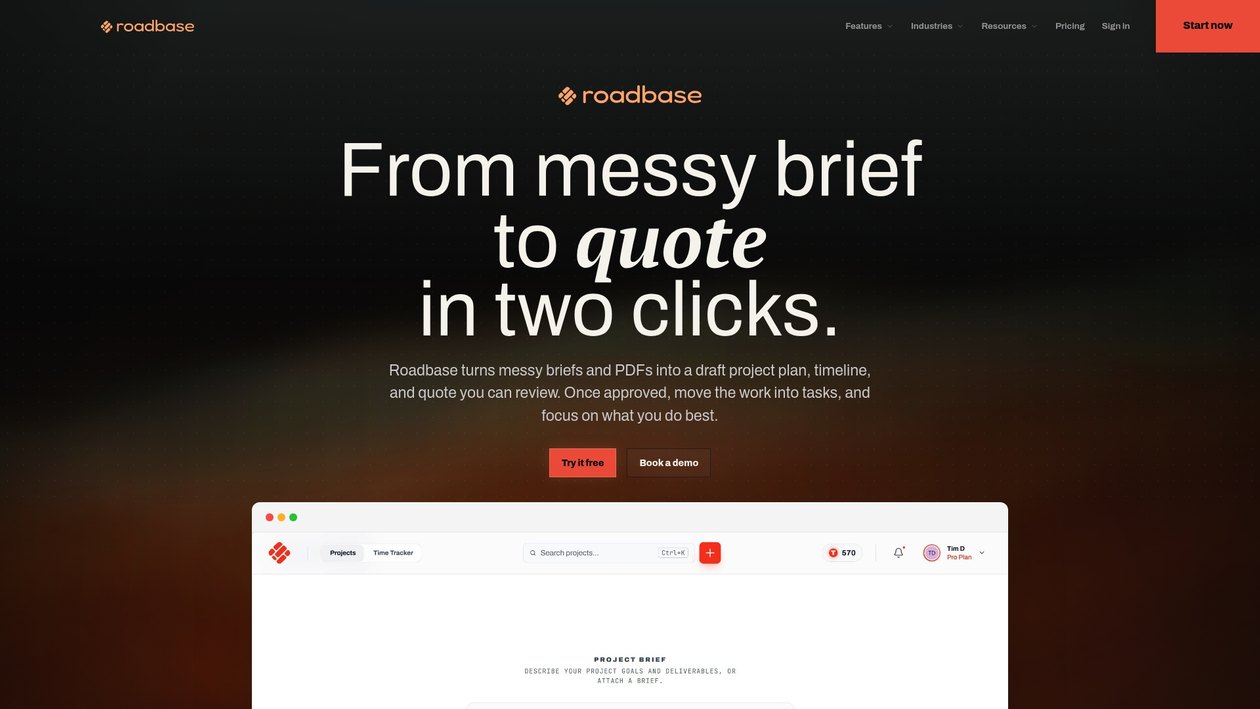
Roadbase can start from a pasted brief or attached PDF and build an editable first draft of the work breakdown. You review and adjust the phases, tasks, roles, estimated hours, assumptions, and costs before using it as the basis for a quote. You can also adjust the plan visually while the estimate remains beside the work, review labor, overhead, direct costs, contingency, and target margin, then export the reviewed plan and quote as a proposal PDF. Those calculations and drafts still need the judgment of the people delivering the work.
If your graphic-design brief is ready, paste it or attach the PDF in Roadbase to build an editable first draft of the phases, roles, estimated hours, and quote. Review and adjust the work breakdown, assumptions, and costs, then export the reviewed plan as a proposal PDF.
For a closer walkthrough of the same quote-first sequence, read turning a creative brief into a scope of work and quote. Teams working in another specialist discipline can use this related industry page as a separate reference rather than applying its examples to graphic-design work. Roadbase is ready when you are ready to turn the reviewed inventory into an editable plan and quote.
Sources
- Write a scope of work: Meaning, examples, templates | Canva
- What is an SOW and free statement of work template - Acrobat for business (Adobe)
- ProjectManager
- PMI guidance on controlling scope changes
The sources above provide broad planning context. They do not replace production knowledge from a designer, artworker, printer, or other specialist involved in the actual work.
FAQ
How do I write a scope of work for graphic-design work?
Start with named outputs, then add the production inputs, dependencies, roles, estimated hours, review points, and assumptions that make those outputs possible. The working-plan section provides a practical sequence.
What does a useful graphic-design example look like?
A useful example names the deliverables and the supporting work around them. The brand identity and packaging examples show the difference between a concept-led identity project and a production-led packaging rollout.
How do I plan a graphic-design project from scratch?
Begin with the brief, then identify the outputs, formats, inputs, roles, stages, and review points. The project-information section helps make the initial inventory concrete. For another plain-language reference, see ProjectManager's overview.
What should a design project plan include?
Include the context, visible outputs, format count, supplied inputs, dependencies, roles, estimated hours, timeline, review points, and working assumptions. The detail section explains why packaging, campaign, identity, editorial, and production-artwork jobs need different inputs.
What is the difference between a project plan and a broader scope document?
A project plan is the working description of the outputs, activities, dependencies, and timing needed to deliver a design project. A broader scope document can use related terminology in different settings; Adobe's overview and Canva's guide provide general background. This article stays focused on planning graphic-design work.
For a final check, revisit the planning mistakes, the working-update approach, and the editorial note. The core habit is to keep the graphic-design scope connected to the real outputs and inputs, then update it as the project becomes clearer.
Recommended
- How to turn a creative brief into a scope of work and quote - Roadbase Blog
- Creative Project Work Breakdown Structure - Roadbase
- Planning tools comparison - Roadbase
- Milestones and Deliverables - Roadbase
- A specialist planning reference - Roadbase
- Keeping a creative brief current - Roadbase
- Change request template for revised scope
- Illustration project scope and deliverables
- Kill-fee clauses for cancelled creative work
The scope guide is most useful when it helps you describe the work accurately enough to plan it. If the work is ready to estimate, use the Roadbase next step after the output inventory is clear.